
In today’s rapidly evolving work landscape, remote work has transformed from a temporary solution to a permanent strategic advantage. Companies that build effective remote-first tech stacks gain access to global talent, reduce overhead costs, and create flexible work environments that boost employee satisfaction and productivity. This comprehensive guide explores how to build a robust remote-first tech stack that empowers distributed teams to collaborate seamlessly and maintain security across geographical boundaries.

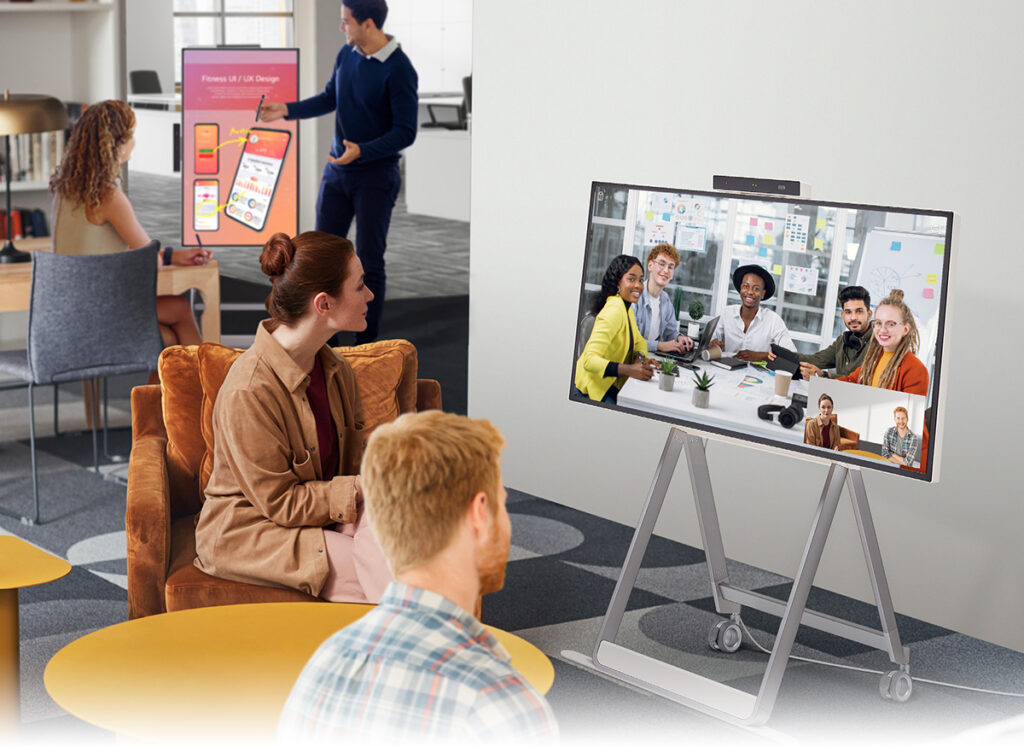
A well-designed remote workspace enhances productivity and comfort during long work hours
The Remote Work Revolution: Current Landscape
Before diving into the technical components of a remote-first stack, it’s essential to understand the current remote work landscape. Recent studies indicate that remote workers are 35-40% more productive than their in-office counterparts, with work conducted remotely including up to 40% fewer mistakes than work done in traditional office settings ActivTrak.
Companies like Atlassian, GitHub, GitLab, and Automattic have pioneered the remote-first approach, building organizational structures and tech stacks specifically designed to support distributed teams. Their success demonstrates that with the right tools and processes, remote work can be highly effective across various industries.
Core Components of a Remote-First Tech Stack
1. Communication Tools: The Foundation of Remote Collaboration
Effective communication is the backbone of any remote operation. Your communication stack should include:
Synchronous Communication
- Video Conferencing Platforms: Tools like Zoom, Google Meet, or Microsoft Teams enable face-to-face meetings regardless of location. Look for features like screen sharing, recording capabilities, and breakout rooms.
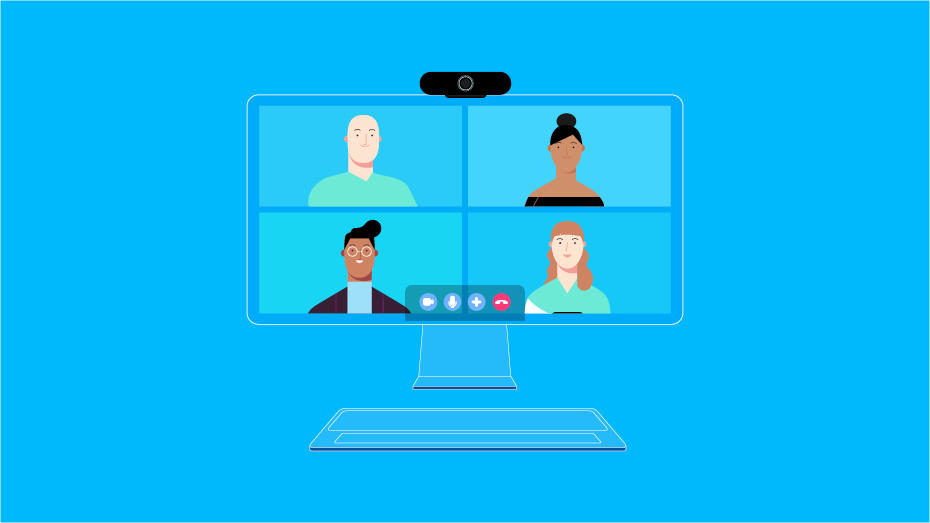
High-quality video conferencing tools provide essential face-to-face interaction for remote teams
Asynchronous Communication
- Team Messaging Platforms: Slack, Microsoft Teams, or Discord create spaces for ongoing conversations, organized by channels or topics, enabling both real-time chat and asynchronous updates.
- Documentation Tools: Notion, Confluence, or Google Workspace allow teams to create, store, and share important information that team members can access on their own schedule.
“Remote-first companies operate completely remotely. This means there’s no physical location from which to work. Rather than an office-based arrangement, all the company employees work remotely from their respective locations.” – Indeed UK
2. Project Management and Workflow Tools
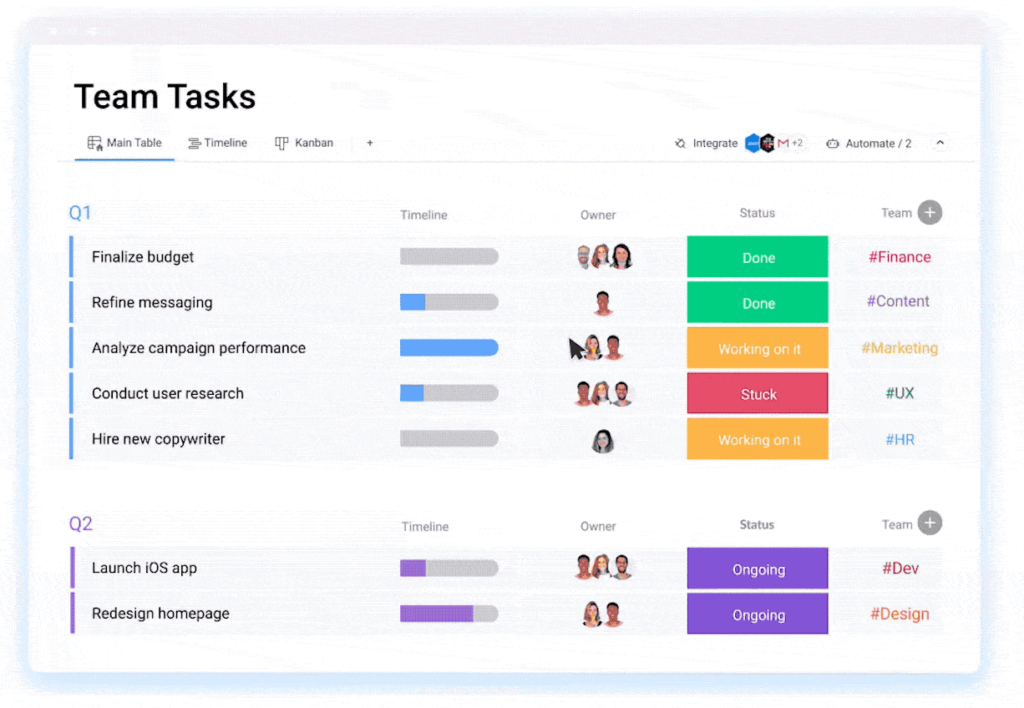
Coordinating tasks across time zones and maintaining visibility into project progress requires specialized tools:
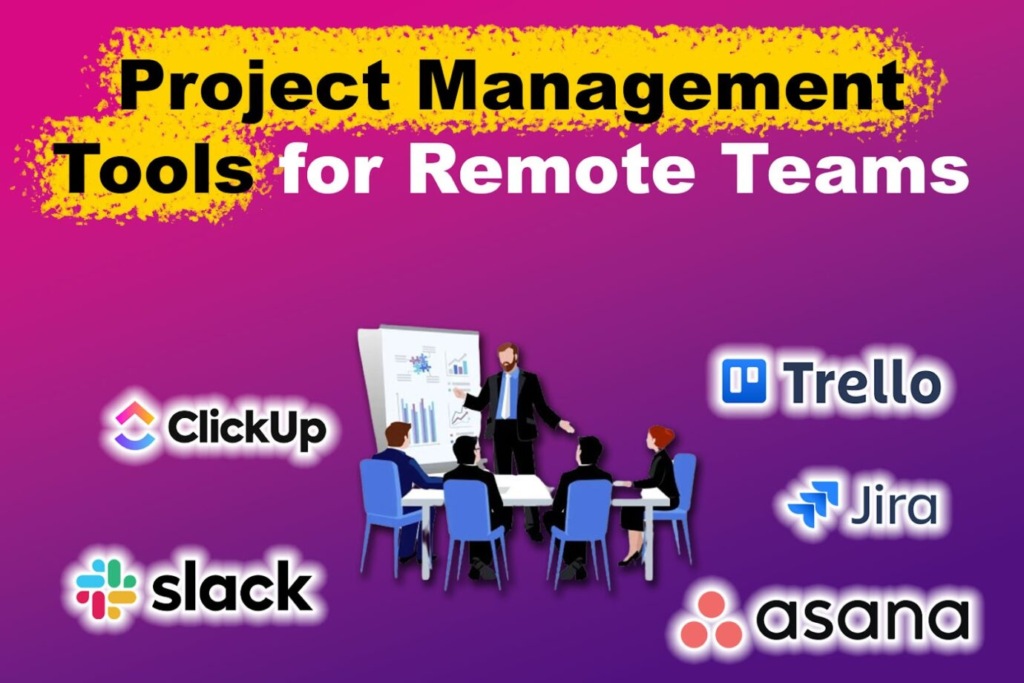
- Project Management Platforms: Tools like Asana, Trello, ClickUp, or Jira help teams track tasks, deadlines, and dependencies.
- Workflow Automation: Zapier, Make (formerly Integromat), or IFTTT can connect disparate apps and automate repetitive processes.
- Time Management: Time tracking tools like Toggl, Harvest, or TimeDoctor help remote workers manage their schedules and provide transparency about work hours.
Robust project management tools provide visibility into team progress across different time zones
3. Collaboration and Co-creation Tools
Remote teams need virtual spaces to brainstorm, design, and work together:
- Digital Whiteboards: Miro, Mural, or FigJam provide infinite canvases for visual collaboration.
- Document Collaboration: Google Workspace, Microsoft 365, or Dropbox Paper enable real-time document editing.
- Design Collaboration: Figma, Adobe XD with cloud capabilities, or InVision allow designers to work together on visual assets.
4. Remote Development Environment
Developers need specialized tools to maintain productivity in remote settings:
- Code Collaboration: For VC, code reviews URL at GitHub, GitLab or Bitbucket.
- Remote Development Environments: Cloud-based development environments such as GitHub Codespaces, VS Code with Remote Development extension, or JetBrains Remote Development enable your development environments to be consistent between local and remote environments.
- Containerization: Docker for maintaining consistent development environment on other developer machines.
- CI/CD Tools: Jenkins, GitHub Actions, GitLab CI, CircleCI to create automated testing and deployment pipelines.

A complete remote development setup with multiple screens for maximum productivity
5. Security and Access Management
Security becomes even more critical when your team is distributed:
- VPN Software: Apps such as NordVPN Teams, Perimeter 81 or OpenVPN (opens in new tab) help secure remote access to corporate material.
- Password management 1Password, LastPass or Bitwarden offer secure sharing of credentials and robust password generation.
- Multi Factor Authentication (MFA): Enforce MFA for all the tools and adds an extra layer of security.
- Device Management: SaaS offerings such as Jamf, Microsoft Intune, or Google Endpoint Management for remote securing and management of company devices.

Security tools are essential for protecting sensitive data in remote environments
“VPNs are critical for remote work because they secure data by encrypting internet connections, protecting sensitive company information from cyberattacks.” – CircleID
6. Cloud Infrastructure
A robust cloud infrastructure is the foundation of remote operations:
- ṭ Cloud Storage options: Google Drive, DropBox (cloud-based), Microsoft OneDrive or Box for cloud storage.
- Cloud Computing: Go with AWS, Google Cloud Platform, or Microsoft Azure for elastic compute capacity.
- Database Services: For managed database products, opt for MongoDB Atlas, Amazon RDS, or Google Cloud SQL.
- Serverless Computing: AWS Lambda, Google Cloud Functions, Azure Functions for running your code without having to control servers.
Building Your Remote-First Tech Stack: A Strategic Approach
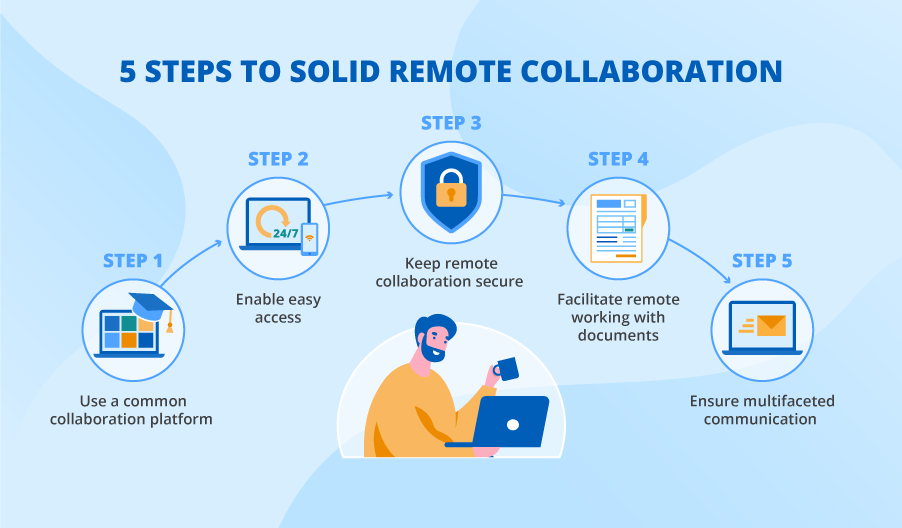
When selecting tools for your remote-first tech stack, consider these strategic principles:
1. Prioritize User Experience
Tools should be intuitive and accessible to all team members, regardless of their technical expertise. Complex tools with steep learning curves can hinder adoption and productivity.
2. Ensure Cross-Platform Compatibility
Your remote workforce may use various operating systems and devices. Select tools that work seamlessly across Windows, macOS, Linux, iOS, and Android to accommodate everyone’s preferences.
3. Focus on Integration Capabilities
Tools that integrate well with each other create more efficient workflows. Look for robust APIs and native integrations between your core tools to minimize context switching and manual data transfer.
4. Consider Bandwidth Limitations
Not all remote workers have access to high-speed internet. Choose tools that perform well under bandwidth constraints or offer offline functionality when possible.
5. Plan for Scalability
Select tools that can grow with your organization. What works for a team of 10 may not work for a team of 100 or 1,000. Consider enterprise-grade solutions that offer scalable pricing and features.
6. Establish Clear Tool Guidelines

Document which tools should be used for specific purposes and establish clear protocols for their use. For example, differentiate when to use Slack versus email, or when to schedule a video call versus sending an asynchronous update.
Case Study: GitLab’s Remote-First Tech Stack
GitLab, one of the pioneers in remote-first work, has built an extensive tech stack to support its fully distributed team of over 1,500 employees across 65+ countries. Their stack includes:
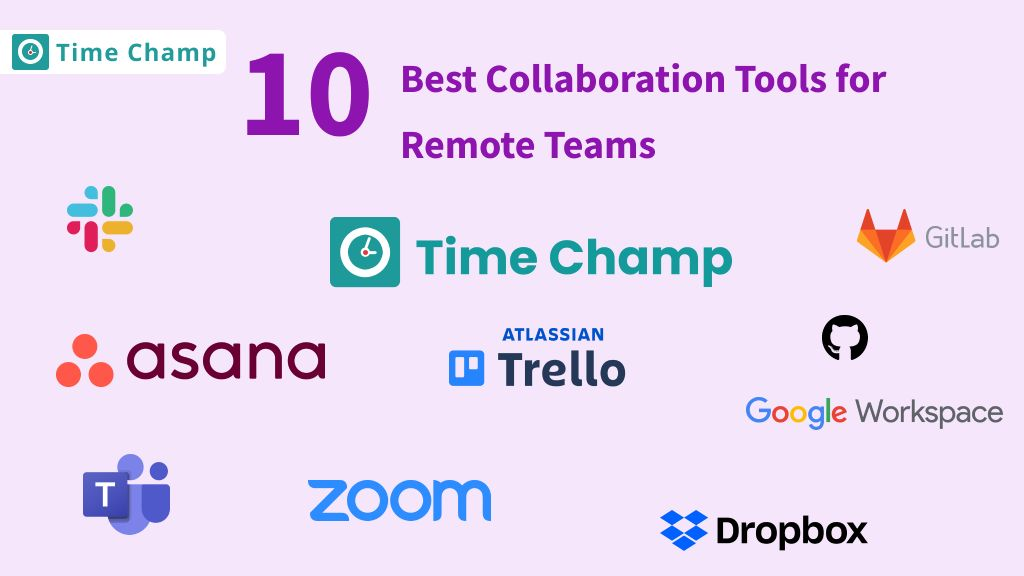
- Messaging/Calling: Slack & ZoomDocumentation: GitLab You can find more about some of these software on our culture page.
- PM: – Issues: gitlab.com Issues / Epics for tracking work
- Collaboration: Google Workspace for documents, spreadsheets and presentations
- Development: GitLab’s native platform for versioning, code review and CI/CD setp process.
- Security: Various software such as 1Password for the management of passwords and Cloudflare for web security
What makes GitLab’s approach particularly effective is their commitment to documentation and asynchronous communication, which allows team members to work effectively across multiple time zones.
Implementing Your Remote-First Tech Stack
Implementation requires careful planning and change management:
1. Audit Current Tools
Start by assessing your existing tools and identifying gaps in your remote work capabilities.
2. Involve Key Stakeholders
Include representatives from different departments in tool selection to ensure their specific needs are addressed.
3. Pilot Test Before Full Rollout
Test new tools with a small group before deploying them company-wide to identify and address any issues.
4. Provide Comprehensive Training
Create documentation, tutorials, and live training sessions to help employees adopt new tools effectively.
5. Gather Feedback Continuously
Regularly collect feedback about tool usage and pain points to make necessary adjustments.
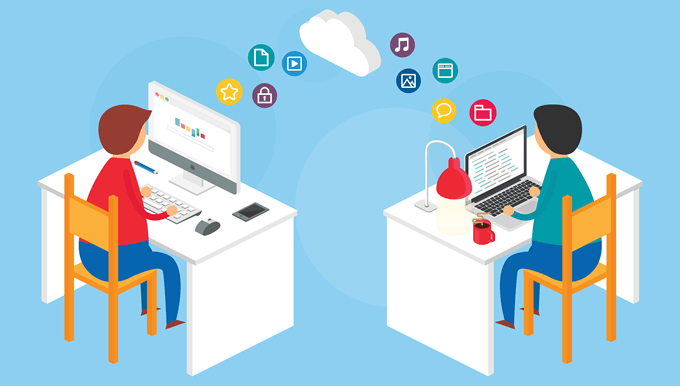
Continuous feedback helps optimize remote collaboration processes
Future-Proofing Your Remote-First Tech Stack
As remote work technology evolves, keep these future trends in mind:
- AI-Powered Tools: Find tools with AI capabilities, such as automation of the day-to-day, connecting and gaining insight.
- VR/AR Remote Collaboration: Imagine the potential for remote collaboration in the years ahead with VR and AR.
- Edge Computing: As edge computing becomes more prominent, expect to see make read for tools that use this technology to make it easier on distributed teams.
- Zero Trust Security: Enforce zero-trust security to authenticate every user and each device being put forth.
Conclusion
Putting together a solid remote-first tech stack should not be so much about tools, but about putting an ecosystem in place to work and communicate effectively as a remote team. By choosing and using the right tools for communication, collaboration, development, security and infrastructure, you can set up a tech stack that helps your team do its job and that’s aligned with what your business is trying to achieve.
Note that technology on its own isn’t sufficient. An effective remote-first strategy also depends on a healthy company culture that is prioritized around trust, transparency, autonomy, and results over time cards. When technology meets culture, remote teams can do amazing things, period — it doesn’t matter where team members are based.
In closing: The world of work is changing, and organizations that make investments in creating effective remote-first tech stacks now will be better situated to become talent magnets, retain operational resilience and prosper in an increasingly distributed future.
What other aspects of building a remote-first tech stack would you like to explore? Share your experiences and questions in the comments below!